
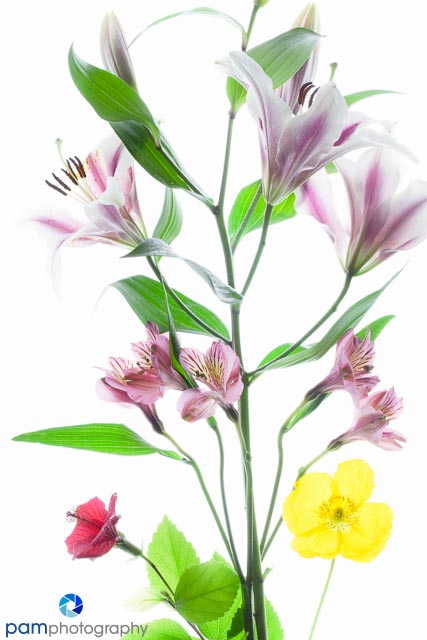

Ok, I’ll confess, there are times when I really like a blown-out image. In the last few months I have found myself taking an HDR series, and then instead of creating an HDR, I throw out all of the exposures and keep the blown-out one. So when I saw this project in December’s issue of Popular Photography, I decided to bump every other project in the queue. I should have known when they used the words “disarmingly simple” I would be in trouble.
The technique is by Harold Davis and is described in his book Photographing Flowers. His image really appealed to me, it was like a painting, but also a 3-D image at the same time. He lights his subject from below and above, and then takes multiple exposures until he gets a pure white image. For this project I used a Lightpad, a macro lens, my $10 goose neck desk lamp (and sometimes my flash). I really wished I would have been more diligent about using my polarizer to remove the glare from the leaves.
During this project I learned:
- Really invest the time to get the composition, set up, lighting right. When you start making the exposures you are locked in.
- Artfully arranging the flowers is important, which can be difficulty when they are lying flat on a lightpad and tend to twist and turn. Also key is removing the foliage to help remove distraction. Translucent flowers work best.
- I tried other translucent subjects, like pieces of broken glass, but found the flowers had variety in color and texture that made the final image more interesting.
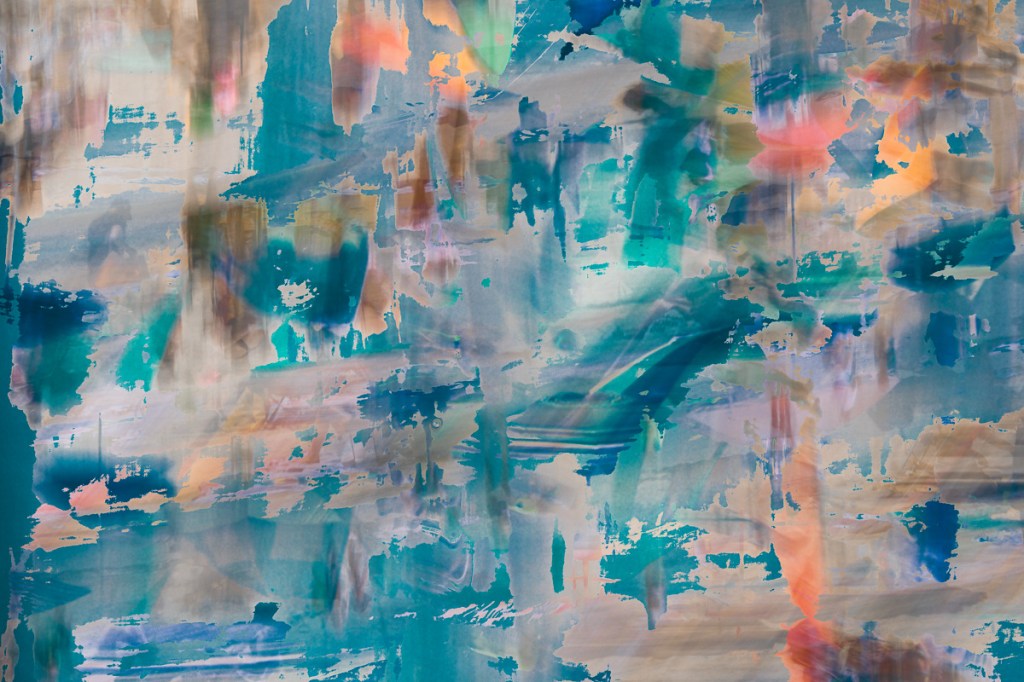
- Post-production requires effort, and I wish I had more time to experiment. I layered all of the exposures on top of each other then hid them behind layer masks. I gradually painted in color using a low opacity and different blend modes. I found I liked blend modes I don’t typically use like, Color Burn.
- As with most of my projects, I learn something new in either Lightroom or Photoshop that makes my life easier. This time it was how to open multiple images in Lightroom as layers in Photoshop. Simple…..but real time saver when you are opening 12 images at at time…..for 10+ images.
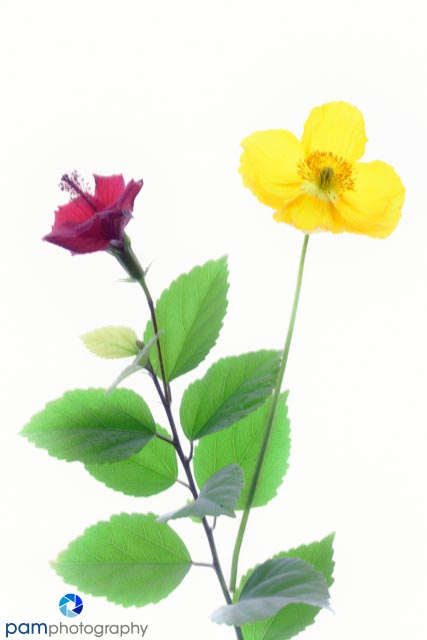
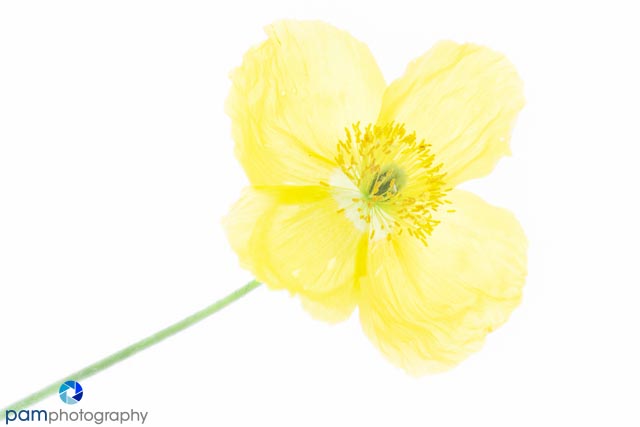
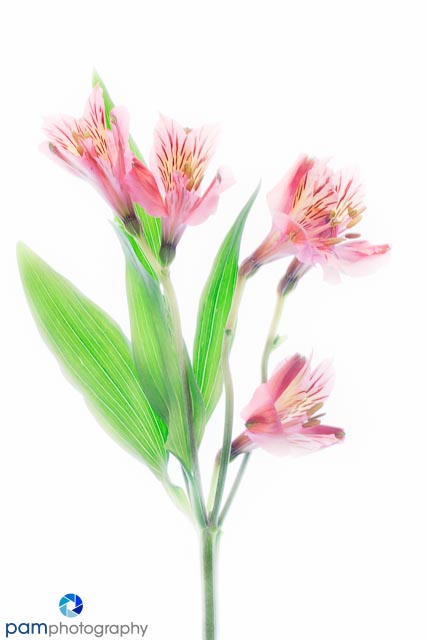
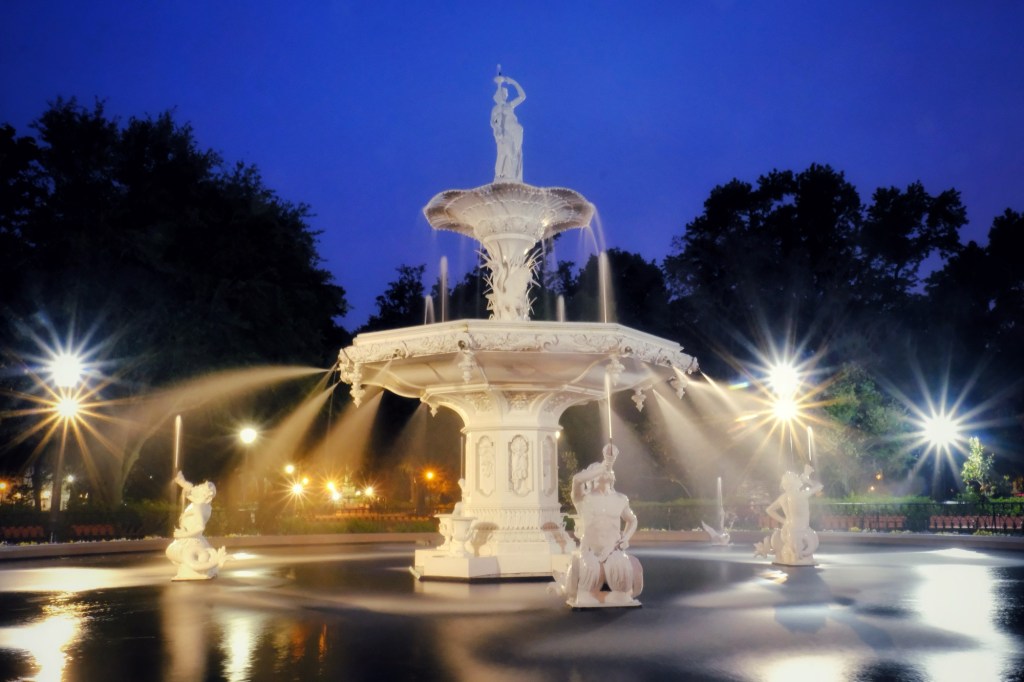
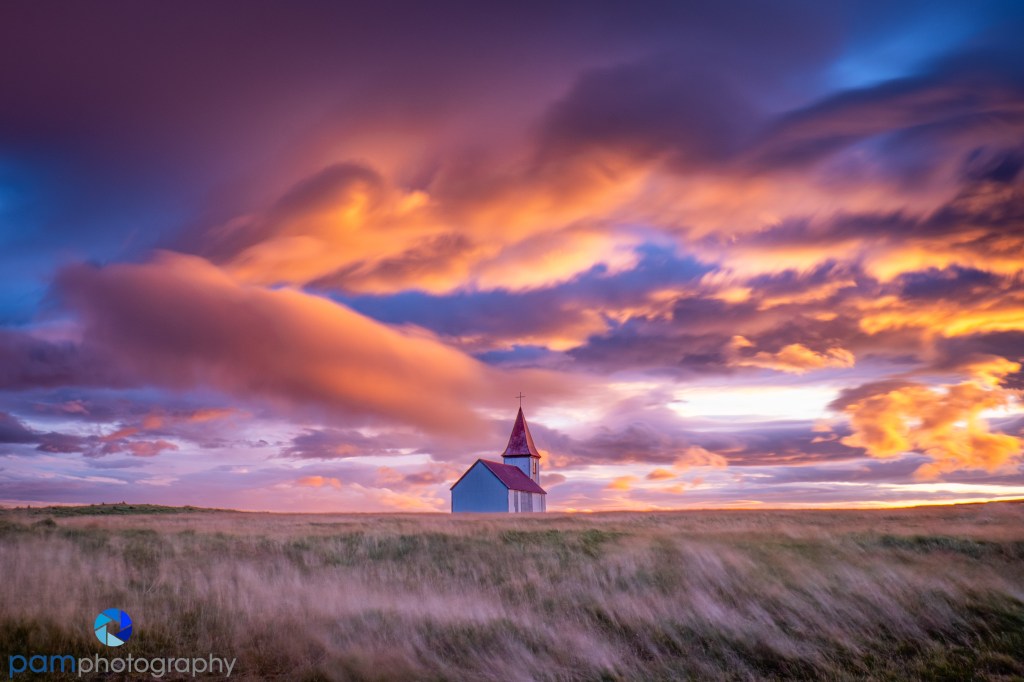
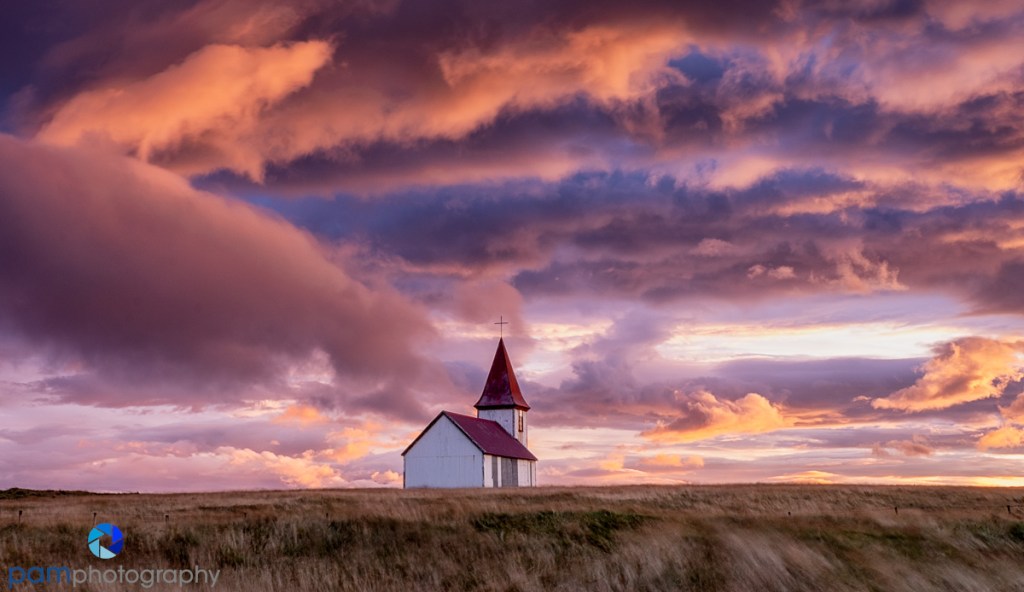
Here are my images from this week.



 pamphotography
Leave a reply to Photography Project: High-key Flowers | pamphotography Cancel reply